


Switching Gnome On and Off from the Command Line
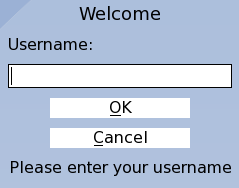
What happens when you’re Gnome Display Manager(GDM) crashes? It could happen when playing 3d games or when running an automation software or for some other reason. When it happen you’re keyboard and mouse could get blocked. If you can still get to the command line then the easiest way to affront this issue is restarting the GDM.
To turn off and on again the GDM use these commands that work on Ubuntu and its many derivatives.
sudo /etc/init.d/gdm restart - This command simply restarts gdm
or
sudo /etc/init.d/gdm stop   - This command stop gdm

sudo /etc/init.d/gdm start  - This command stars gdm
Note that stopping the GDM shuts down Gnome and all other graphical applications, and takes you to the login screen, where you’ll have insert you’re username and password to get in.