Multimedia
Google has finally changed the license on its open-source WebM (VP8) video codec after complaints that it wasn’t open enough.
As it was originally written, if a patent action was brought against Google, the patent license terminated. This provision itself is not unusual in an OSS license, and similar provisions exist in the 2nd Apache License and in version 3 of the GPL. The twist was that ours terminated “any” rights and not just rights to the patents, which made our license GPLv3 and GPLv2 incompatible. Also, in doing this, we effectively created a potentially new open source copyright license, something we are loath to do.
Changes to the WebM Open Source License
Posted in Multimedia, Open-Source | Comments Off on WebM project changes to standard Open Source license
More and more organizations are committing to support WebM project. Giants like Skype, Oracle are already part of the long list of supporters. Miro Video Converter can convert your videos to the WebM (VP8) format. More»
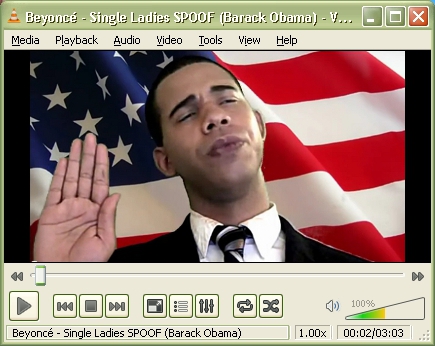
Posted in Multimedia, Open-Source, Windows | Comments Off on Download VLC Media Player 1.1.0 with WebM Support
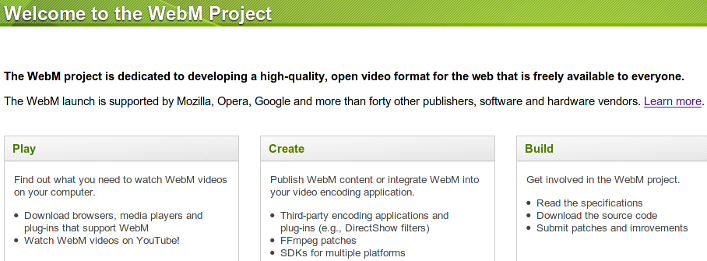
Mozilla, Google, Opera and forty other publishers such as Adobe have announced WebM, a “project dedicated to developing a high-quality, open video format for the web that is freely available to everyone.” This projects aims at setting the web free with an open alternative to the h2.64 format championed by Apple and Microsoft.
More»
Posted in Firefox, Multimedia, Open-Source | 1 Comment »
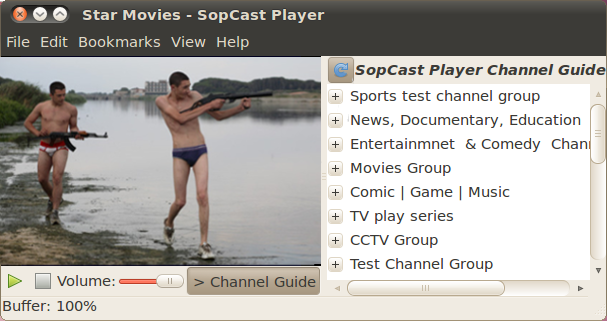
SopCast Player, that makes use of the P2P (Peer-to-Peer) technology to bring live streaming video and audio to your Linux desktop has safely landed on Launchpad, you can now install it on your Ubuntu 10.04 via the PPA repository with no hassle but one. More»
Posted in Multimedia, Open-Source, Ubuntu | 3 Comments »
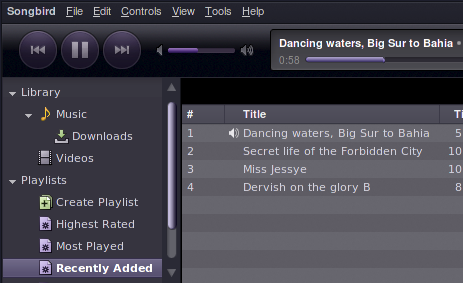
After dropping Linux support, the Songbird team has gone back to work, cause it takes only hard work to change the underlying layout engine, from the Gecko 1.9.0-based platform to Mozilla’s latest platform release, Gecko 1.9.2 a.k.a Namoroka.
As the developers themselves note, “transitioning to a newer version of the Mozilla platform is a complicated process and a huge project in and of itself. ”
Right now Songbird 1.9.2-based builds are available to download, for testing. Nightlies are available here:
http://developer.songbirdnest.com/builds/xr192Integration/latest/
The developers hope to get enough testing and feedback before the release of Songbird version 1.8.0 ‘Orbital’.
via [Songbird Blog]
Posted in Multimedia, Open-Source, Ubuntu, Windows | 1 Comment »