


Downloadable gOS Theme for your Ubuntu
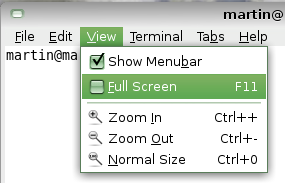
Just whipping out Blubuntu for another well polished theme. This article is not about making Ubuntu look like gOS. It’s simply about giving Ubuntu the cool and sober gOS look. No tweaking needed. Just a simple and direct install that starts with downloading the theme and icon packages. Then the straight-forward install System -> Preferences -> Appearance -> Install, then move to your downloaded packages.
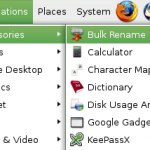
That’s enough to get what you’ve see on the screenshots.
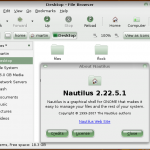
The gOS theme is free and released with the GPL (General Public License) license.